
Manufacturing / connected operations

Filaway for manufacturing.

Give teams one operating record for equipment condition, allocated work, process observations, incidents and accountable follow-through.

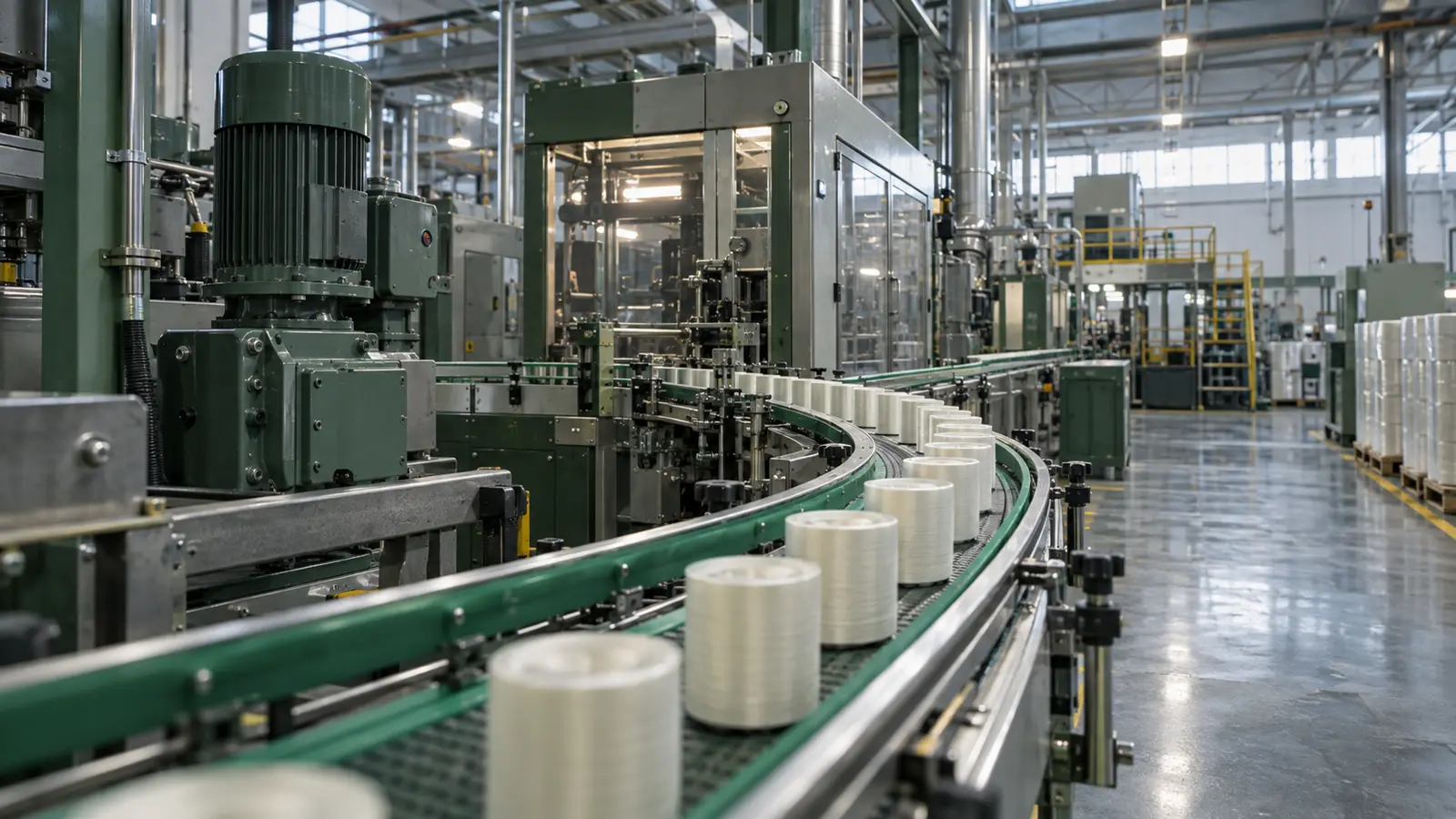
Industrial process equipment, gauges and controls on a production floor

Manufacturing / demonstration record

Connect machines, shifts, work and production-floor evidence.

Put the machine’s working history at the machine.

A Filaway QR code on a line, machine, tool or station opens its connected record. Operators can see context and add condition, damage, intervention or production evidence immediately.

Operating record
Demo

Packaging Line 03

Demonstration record

Captured with identityRecord cannot save without it
!
Available offlineSyncs when signal returns
DetailsMF-L03
Area
Packaging hall
Shift
Day shift
Condition
Running with note
Open work
Guard check
Add operating record

Demonstration operating record

The whole operation

More than one workflow. One connected operating ecosystem.

Manufacturing depends on the interaction between equipment, people, process and shift handovers. Filaway preserves that wider operational context.

01 / Machines

Scannable equipment records

Connect lines, machines, tools and stations to their working histories.

02 / Shifts

Ownership and allocations

Make responsibility for checks, work and response clear across each shift.

03 / Process

Observations and evidence

Record conditions, deviations and interventions where they occur.

04 / Review

Connected floor visibility

See active conditions, completed actions and recurring context across production.

One connected sequence

Carry context across operators, maintenance and shift review.

The machine, observation, allocated response and outcome stay joined rather than becoming separate messages.

Demonstration recordProduction floor · connected line recordProduction lines, machines and shifts
  1. 01
    QR scanLine identified
  2. 02
    ShiftOwner connected
  3. 03
    ConditionObservation saved
  4. 04
    WorkAction allocated
  5. 05
    EvidenceIntervention attached
  6. 06
    StatusProgress updated
  7. 07
    ReviewHistory available

Operational continuity

Keep capture available through local connectivity gaps.

Records can be captured offline and synced later. If overlapping updates occur, both versions remain available and the applied version is clear.

11:42 floor
First capturer

Line condition update / saved offline.

Saved offline
11:51 floor
Second capturer

Line condition update / saved offline on the same record.

Saved offline
Signal restored
Applied
First capturer's version

The first version applies when signal returns.

Retained, not applied
Second capturer's version

The second capturer is told that their version did not apply. Both versions are kept.

From field to management

Know what happened.Keep the context.

What happened, where it happened, why it happened and who was involved remain part of the connected record.

01 / frontline

Work from the right context.

Scan a machine or station and capture condition and production evidence.

02 / operations

See activity and progress.

See line ownership, outstanding work and shift progress in one view.

03 / review

Follow the complete sequence.

Follow issues from first observation through action and closure.

See how the floor is running, not only the latest production number.

Review equipment state, open work, interventions and evidence across lines and shifts.