
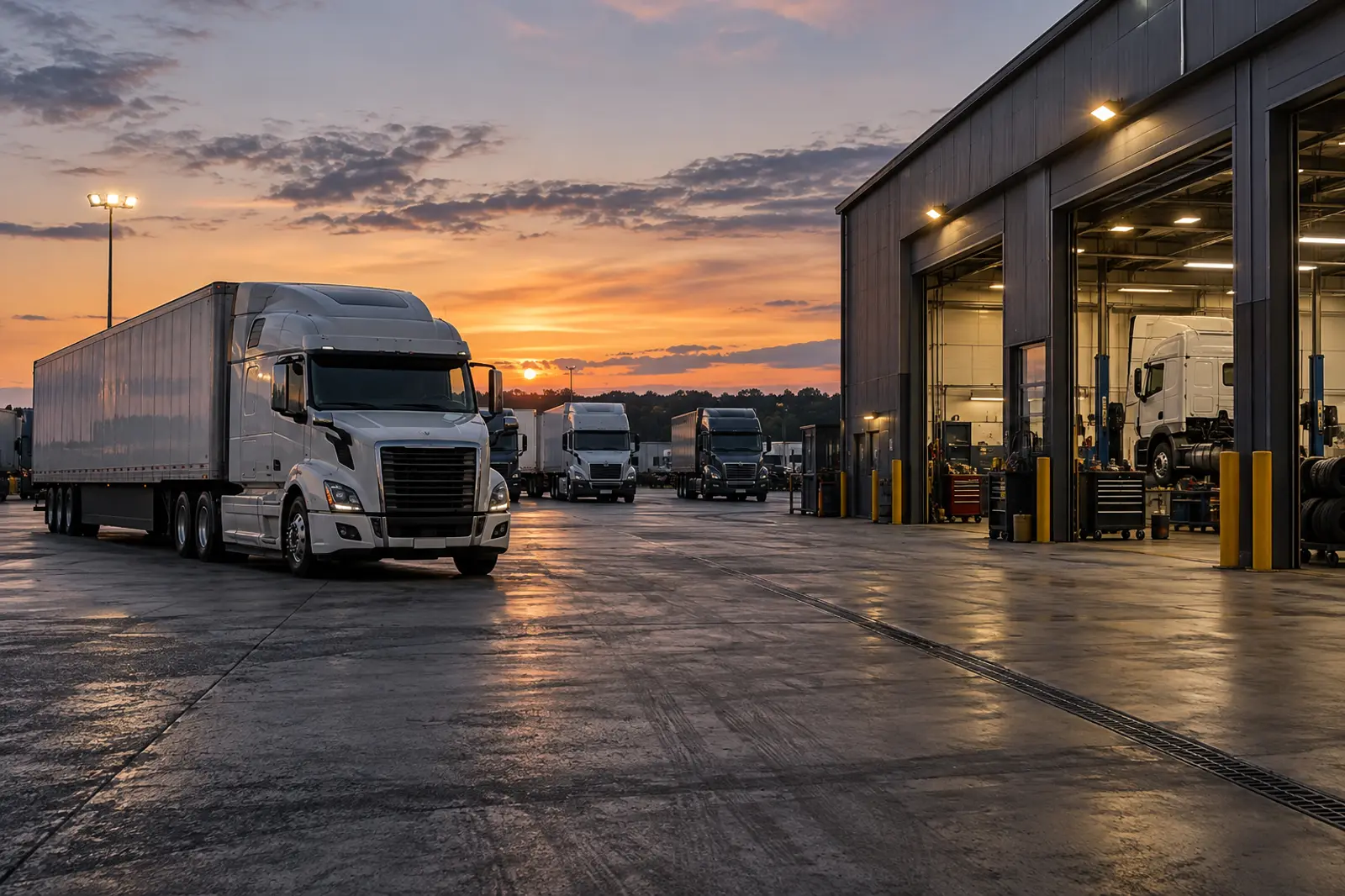
Logistics / demonstration record
See the fleet, its work, its condition and its operating history together.
Give every vehicle and mobile asset a record that travels with it.
A QR code on a truck, trailer, forklift or depot asset opens its identity, assignment, use, condition and damage history. Drivers and fleet teams add evidence to the same record.
Fleet Truck 28
Demonstration record
- Depot
- Johannesburg
- Driver
- Assigned today
- Condition
- Damage noted
- Next action
- Fleet review
Demonstration operating record
The whole operation
More than one workflow. One connected operating ecosystem.
Fleet management is more than a pre-trip check. Filaway connects vehicles, drivers, routes, depot work, damage and maintenance context throughout the operation.
Vehicle and trailer passports
Keep identity, use, condition, damage and work histories connected to every unit.
Assignments and accountability
See who had which vehicle, for what work and when an event occurred.
Assets and work beyond the road
Connect forklifts, tools, yard equipment and depot actions to the same system.
Incident-to-response continuity
Link evidence, fleet review, maintenance action and return-to-service progress.
One connected sequence
Connect the vehicle, assignment, event and response.
Fleet history shows where an event occurred, who was involved, what evidence was captured and what action followed.
- 01QR scanVehicle identified
- 02AssignmentDriver and route linked
- 03CheckCondition recorded
- 04DamageEvidence attached
- 05LocationEvent context retained
- 06ResponseFleet action connected
- 07ReviewHistory visible
Operational continuity
Keep capture available on the road and at remote depots.
Drivers and fleet teams can capture evidence offline and sync later. Conflicting changes remain visible rather than one version replacing another unnoticed.
Vehicle condition update / saved offline.
Saved offlineVehicle condition update / saved offline on the same record.
Saved offlineThe first version applies when signal returns.
The second capturer is told that their version did not apply. Both versions are kept.
From field to management
Know what happened.Keep the context.
What happened, where it happened, why it happened and who was involved remain part of the connected record.
Work from the right context.
Scan the vehicle and record checks, use, damage and evidence where it happens.
See activity and progress.
See vehicle allocations, operating status and open actions across the fleet.
Follow the complete sequence.
Trace incidents and condition history through accountable follow-through.
Manage the fleet as an operation, not a list of isolated vehicles.
See assignments, vehicle use, condition, open work and incident progress across drivers, routes and depots.