
Hospitality / connected operations

Filaway for hospitality.

Bring room status, equipment condition, allocated work, incidents and completion evidence into one accountable property record.

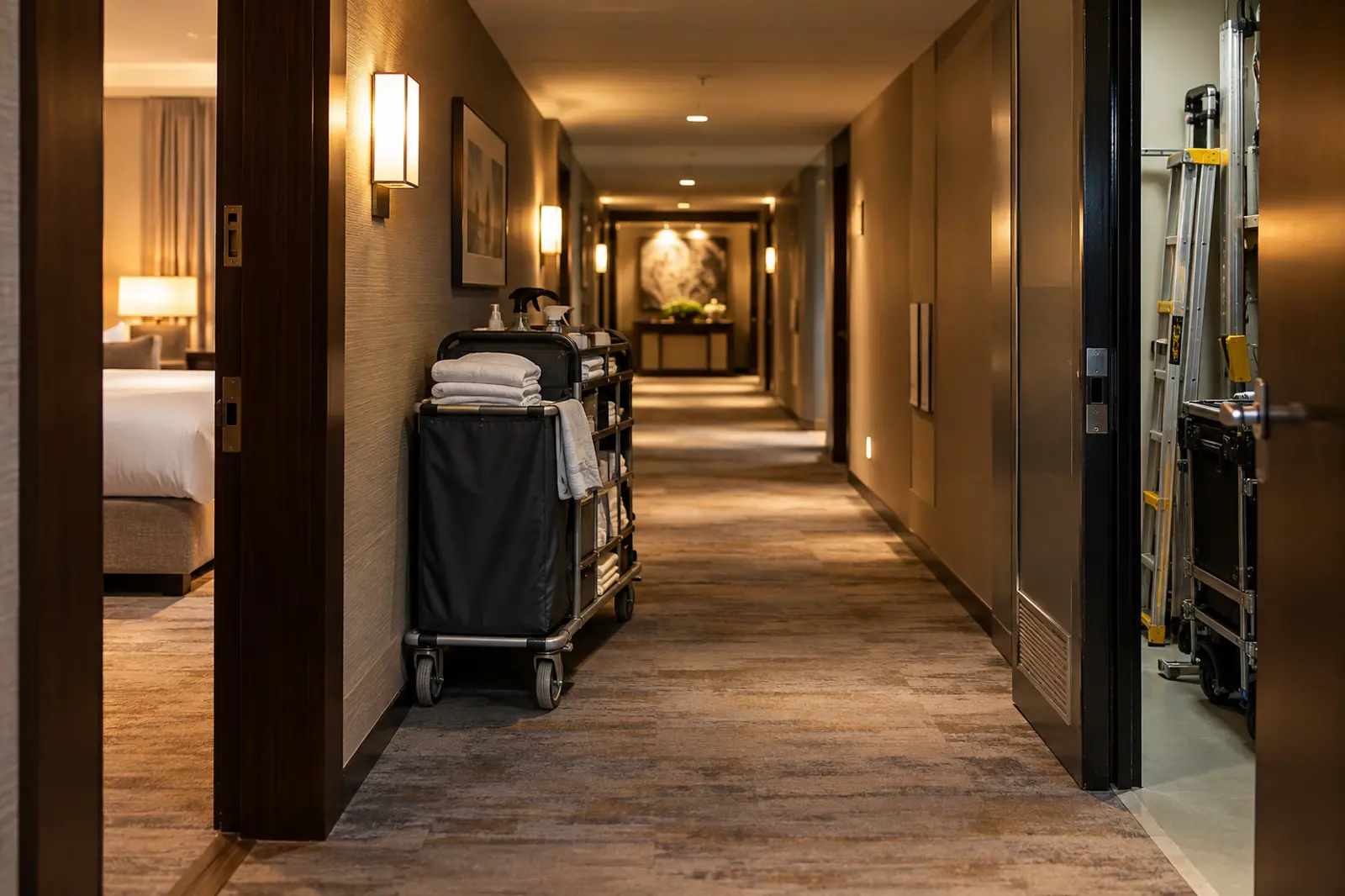
A hotel team member moving a service trolley through a guest corridor

Hospitality / demonstration record

Connect rooms, assets, teams and service work across the property.

Give every room, area and service asset an accessible record.

A QR code can connect a room, trolley, appliance or plant asset to its current context and history. Staff can record damage, work required and completion without losing the handover.

Operating record
Demo

Guest Room 412

Demonstration record

Captured with identityRecord cannot save without it
!
Available offlineSyncs when signal returns
DetailsHT-R412
Floor
Level 4
Status
Service in progress
Open work
Lamp replacement
Assigned team
Housekeeping
Add operating record

Demonstration operating record

The whole operation

More than one workflow. One connected operating ecosystem.

Hospitality operations span rooms, public areas, service assets, housekeeping and maintenance. Filaway gives those teams one connected place to work from.

01 / Rooms

Room and area status

Keep service progress, observations and issues connected to each location.

02 / Assets

Property equipment histories

Track condition and work across appliances, trolleys, plant and service assets.

03 / Teams

Housekeeping and maintenance work

Allocate work clearly and keep handovers connected between teams.

04 / Progress

Property-wide visibility

See what is ready, what needs attention and what evidence supports completion.

One connected sequence

Keep the room, issue, allocation and outcome together.

Service context remains visible between housekeeping, maintenance, supervisors and management review.

Demonstration recordProperty operation · connected service recordRooms, property assets and service teams
  1. 01
    QR scanRoom identified
  2. 02
    StatusService context opened
  3. 03
    DamageIssue recorded
  4. 04
    AllocationTeam assigned
  5. 05
    AssetEquipment linked
  6. 06
    CompletionEvidence attached
  7. 07
    ReviewProperty view updated

Operational continuity

Continue service capture through connectivity gaps.

Staff can save records offline and sync later. If two people update the same item, both versions remain retained and the applied version is identified.

12:08 floor
First capturer

Room status update / saved offline.

Saved offline
12:16 floor
Second capturer

Room status update / saved offline on the same record.

Saved offline
Signal restored
Applied
First capturer's version

The first version applies when signal returns.

Retained, not applied
Second capturer's version

The second capturer is told that their version did not apply. Both versions are kept.

From field to management

Know what happened.Keep the context.

What happened, where it happened, why it happened and who was involved remain part of the connected record.

01 / frontline

Work from the right context.

Scan a room or asset and capture service, damage and completion evidence.

02 / operations

See activity and progress.

See allocations, room progress and outstanding work across teams.

03 / review

Follow the complete sequence.

Trace issues and service responses with the original context intact.

See the operating state of the property beyond a single room.

Review room progress, open maintenance, asset condition and team workload across the property.